
You'll Need:
- Any Otto Subscription
- A super user role (or higher)
Update the information Otto uses to answer customer questions, manage menu details, suggest upsells, and handle temporary venue changes.
Open the Knowledge tab
- Log in to Otto.
- Select Agents in the left-hand navigation.
- Select the agent you want to update.
- Select the Knowledge tab across the top of the agent page.
The Knowledge tab contains the sections Otto uses to understand your venue and answer customers accurately.
Opening hours
Use Opening hours to enter or update the hours your venue is open.
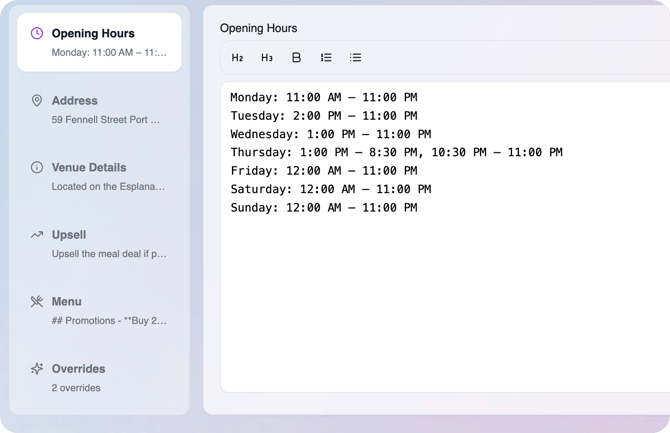
Keep this section current whenever your regular trading hours change. If you are only changing hours temporarily, such as closing early for one day, use an override instead.
Address
Use Address to keep your venue address up to date.
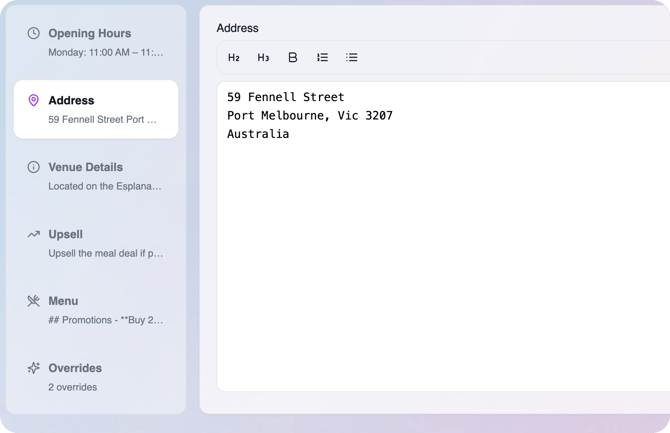
Otto may use this information when customers ask where you are located or need confirmation that they have called the right venue.
Venue details
Use Venue details to add answers to common customer questions.
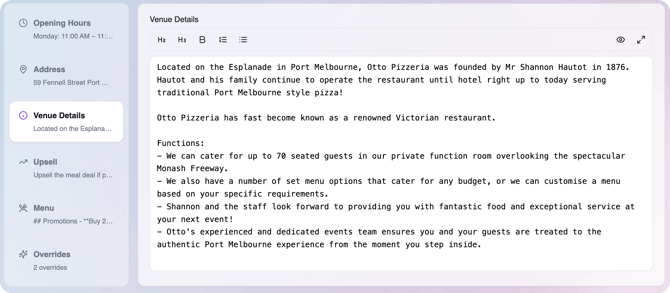
Be as specific as possible. Add anything customers regularly ask your team about, such as:
- BYO rules
- Indoor and outdoor dining
- Pet-friendly areas
- Accessibility details
- Parking information
- Booking policies
- Surcharges or public holiday rules
- Any other venue-specific information customers may ask about
The more useful detail you add here, the better Otto can answer questions without needing to transfer the call to your team.
Upsell instructions
Use Upsell instructions to guide how Otto suggests extras or upgrades.
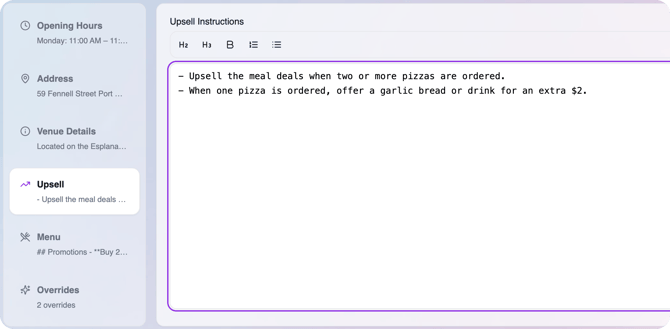
If you leave this section blank, Otto can still choose suitable upsells on its own. Add instructions here when you want to steer Otto towards specific suggestions.
Examples:
- Always suggest garlic bread with every order.
- If a customer orders a medium size, ask if they would like to upgrade to a large for an extra 50 cents.
- Suggest drinks with family meal deals.
- Suggest dessert when a customer places a dinner order.
Keep upsell instructions clear and direct so Otto knows when to offer the suggestion.
Menu
Use Menu knowledge to manage the menu information Otto can reference when speaking with customers.
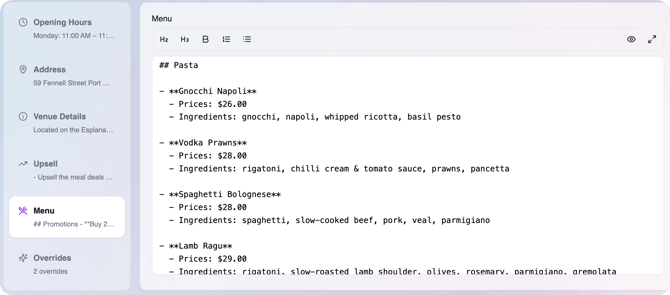
If your menu is integrated through Hungry Hungry or MOBI, do not edit the menu directly in Otto. The menu will update automatically from the integration.
If your menu is not integrated, enter and maintain the menu in this section. Include enough detail for Otto to answer questions and take orders accurately, such as:
- Menu items
- Sizes
- Options
- Ingredients
- Dietary notes
- Add-ons
- Extra charges
For example, if an item has optional extras or size upgrades with different prices, include those details so Otto can explain them correctly.
Overrides
Use Overrides for temporary changes to Otto's knowledge.
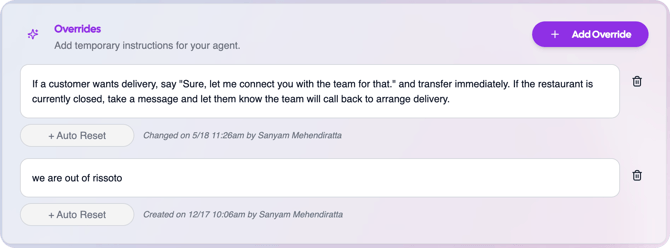
An override lets you adjust what Otto says without editing the main menu or permanent venue details. Overrides are written in plain text.
Examples:
- We're sold out of fries.
- We're closing early today due to a private function.
- Half of the dining room is closed due to renovations.
- Delivery is unavailable tonight.
- The kitchen is running 20 minutes behind.
Overrides are useful for short-term menu changes, stock issues, temporary closures, service changes, or venue disruptions.
When you create an override, you can set it to reset automatically. This is useful when the change only applies for a limited time and you do not want to remember to remove it later.
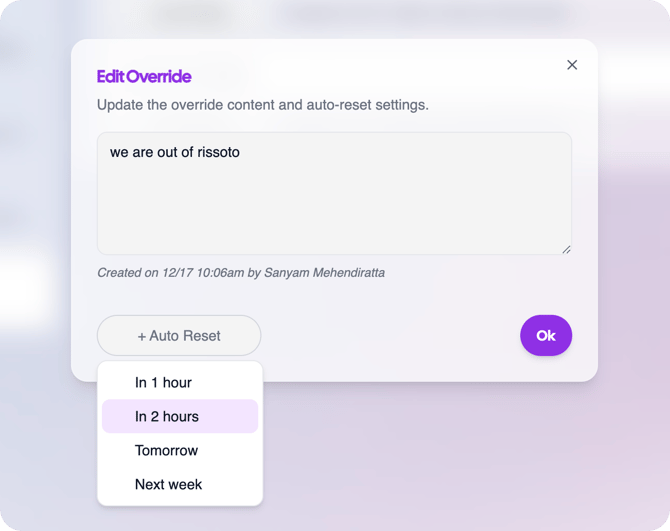
Use an auto-reset whenever the override has a clear end point, such as an item being back in stock tomorrow.
Tips for managing knowledge
- Keep permanent information in the main knowledge sections.
- Use overrides for temporary changes.
- Write information in clear, direct language.
- Add the answers your staff are asked most often.
- Review your knowledge whenever your menu, hours, policies, or venue setup changes.
- After making an important update, place a test call and ask Otto about the updated detail.
What happens next
After you save changes, Otto will use the updated knowledge when responding to customers. Review your Knowledge tab regularly so Otto stays aligned with how your venue is currently operating.